
AI assistant for Desktop
Screen-share into Joshu's computer. Work the whiteboard together. Take the keyboard when you want to.
Then $95 a month with no token fees, no resets, and no caps.
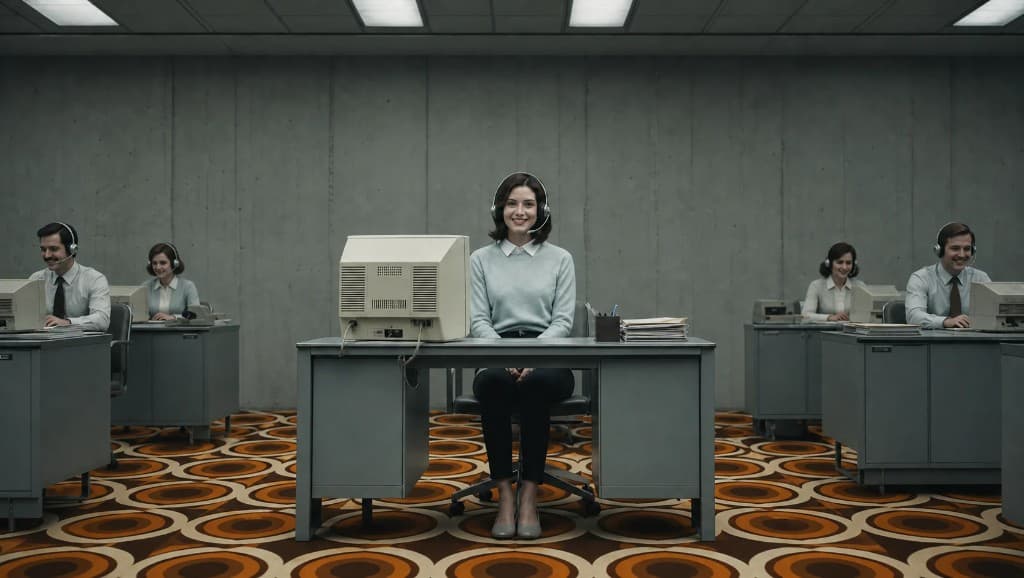
What you can do on Joshu's desktop
You: Show me what you're working on.
You join Joshu's cloud desktop, not the other way around. Same files, apps, and whiteboard it uses for mail and research.
You: Let's pair on this document.
Mark up a whiteboard, sit in on a file, or take the keyboard for a minute while Joshu keeps context on its desk.
You: Keep going after I drop off.
Close the screen-share session. Joshu keeps running tasks in the background on its machine.
Joshu has its own cloud computer: files, apps, browser, and whiteboard. You screen-share in to collaborate; Joshu keeps working when you leave.
What Joshu does
Work continues on that desk whether you are watching or not. When you join, you see the same desktop Joshu uses for mail, research apps, and file folders. You can mark up a whiteboard, pair on a document, or take the keyboard for a minute. Sessions are not remote control of your laptop; Joshu is on its machine.
What you do
Open the desktop link when you want to look or pair. Close the session when you are done; Joshu keeps running tasks in the background. Share specific folders or apps from the desktop when you want others to see only part of the desk.
Why it sticks
A colleague with a desk can keep going after you leave the call. Joshu works the same way.
Permissions and limits
Guests you invite see only what you share from Joshu's desktop, not your personal devices. Screen-share sessions require a modern browser; no VPN into your home network is involved.
What can Joshu do here?
Joshu reads Desktop with the OAuth scopes you approve, drafts work on its desk, and waits for your sign-off before anything sends or posts.
Joshu vs Desktop's built-in AI
Built-in assistants usually live inside one app tab. Joshu keeps email, calendar, files, and Desktop in one persistent memory so follow-ups do not reset every session.
Frequently asked questions
Every Joshu has its own cloud computer with files, apps, browser, and whiteboard. You screen-share in to collaborate; Joshu keeps working when you leave. You work with an assistant who has a desk and persistent memory, not remote control of your personal laptop.
Yes. Every Joshu runs in its own isolated, sandboxed cloud computer. Guests you invite see only what you share from Joshu's desktop, not your personal devices or home network. Your data is never used to train public AI models.
Joshu works on its desk whether you are watching or not, within rules you set. Sensitive sends and external actions can wait for approval in mail, phone, or Telegram before anything leaves the sandbox.
You see the same desktop Joshu uses for mail, research, and file folders. Share specific folders or apps when you want others to see only part of the desk. Screen-share sessions require a modern browser; no VPN into your home network is involved.
Ordinary screen share mirrors your laptop. Joshu is a teammate on its own machine with memory across mail, calendar, and files. Work continues after you close the session, and guests never touch your personal devices.
Joshu is $95 a month after a 14-day free trial. That includes your sandboxed cloud computer, a dedicated US phone number, an @joshu.me email address, persistent memory across your tools, and all tool connectors, including your tools. There are no surprise usage tiers or seat markups.